Contact Centre
Basic information
- Plugin which is connected to Typo3 role “Redakteur - FormConfig”
- Once designed to have a harmonized contact centre for all countries and possibility to compare leads for specific topics connected to harmonized form fields.
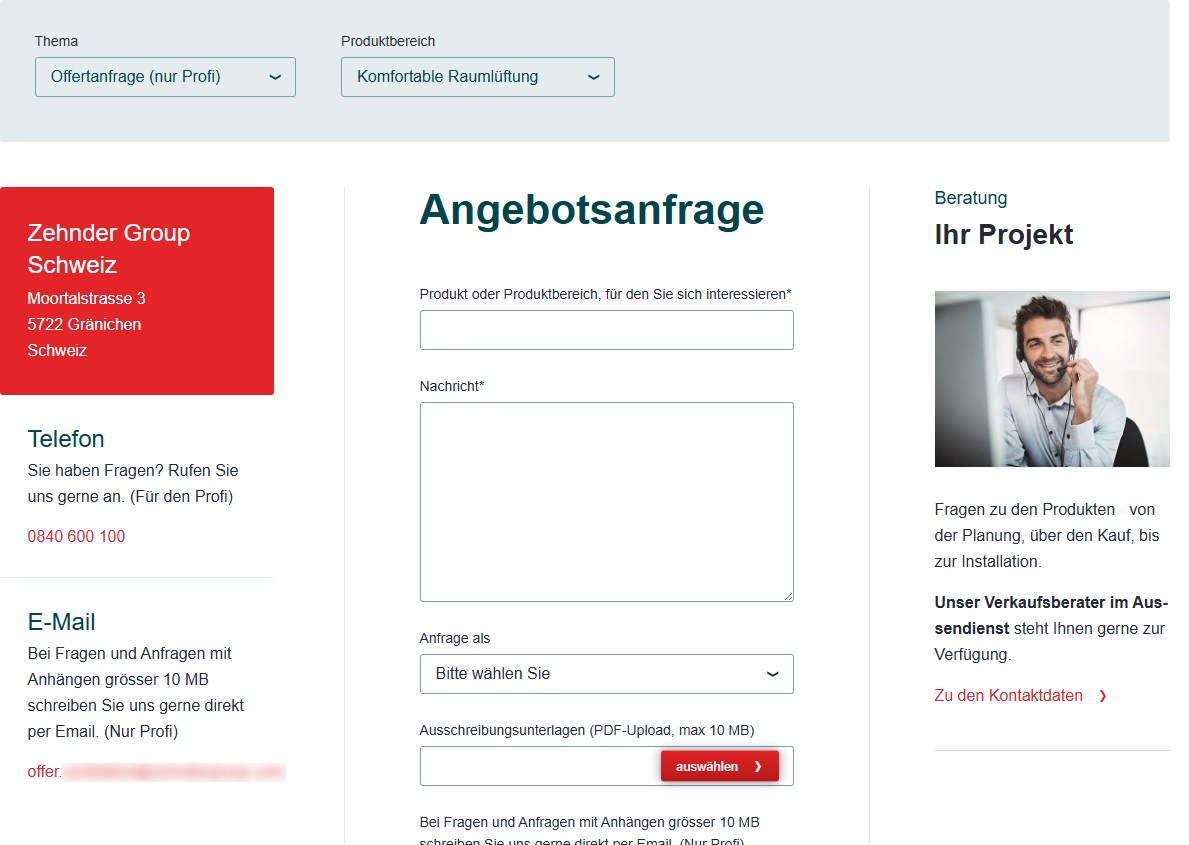
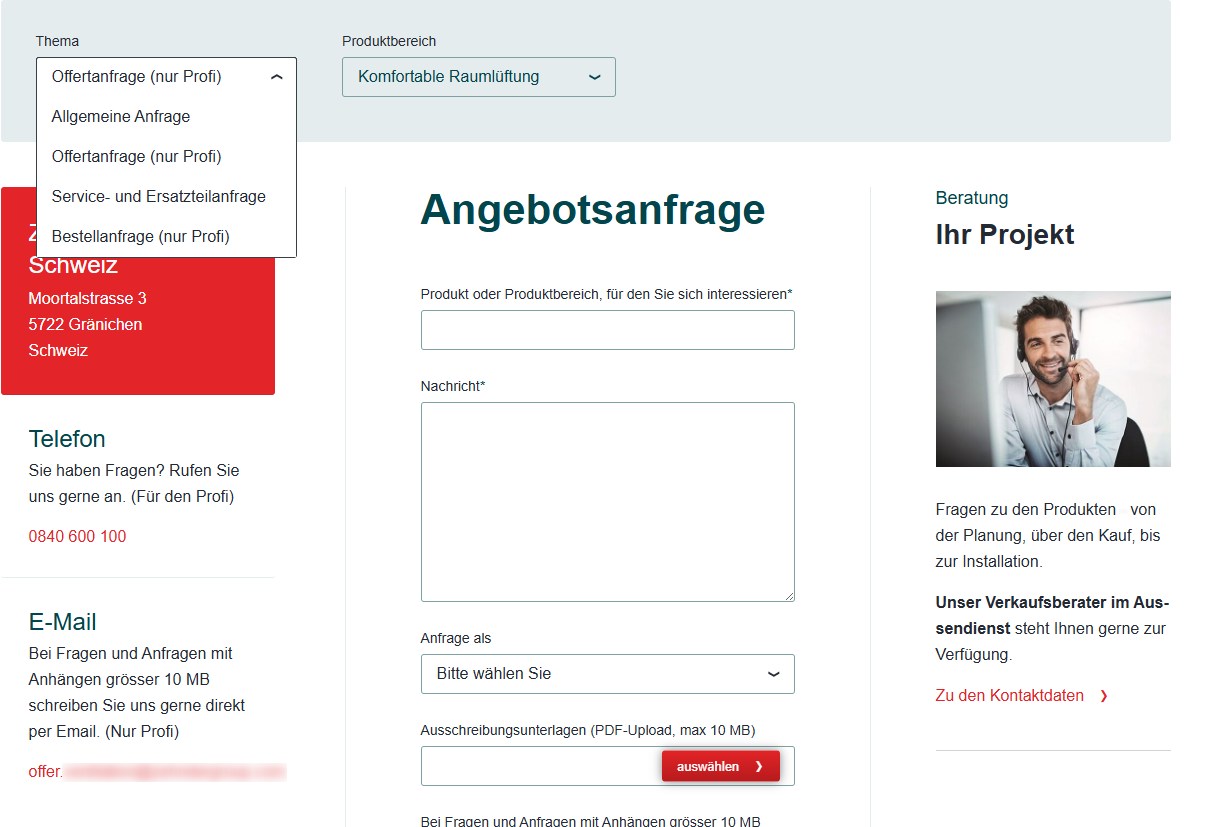
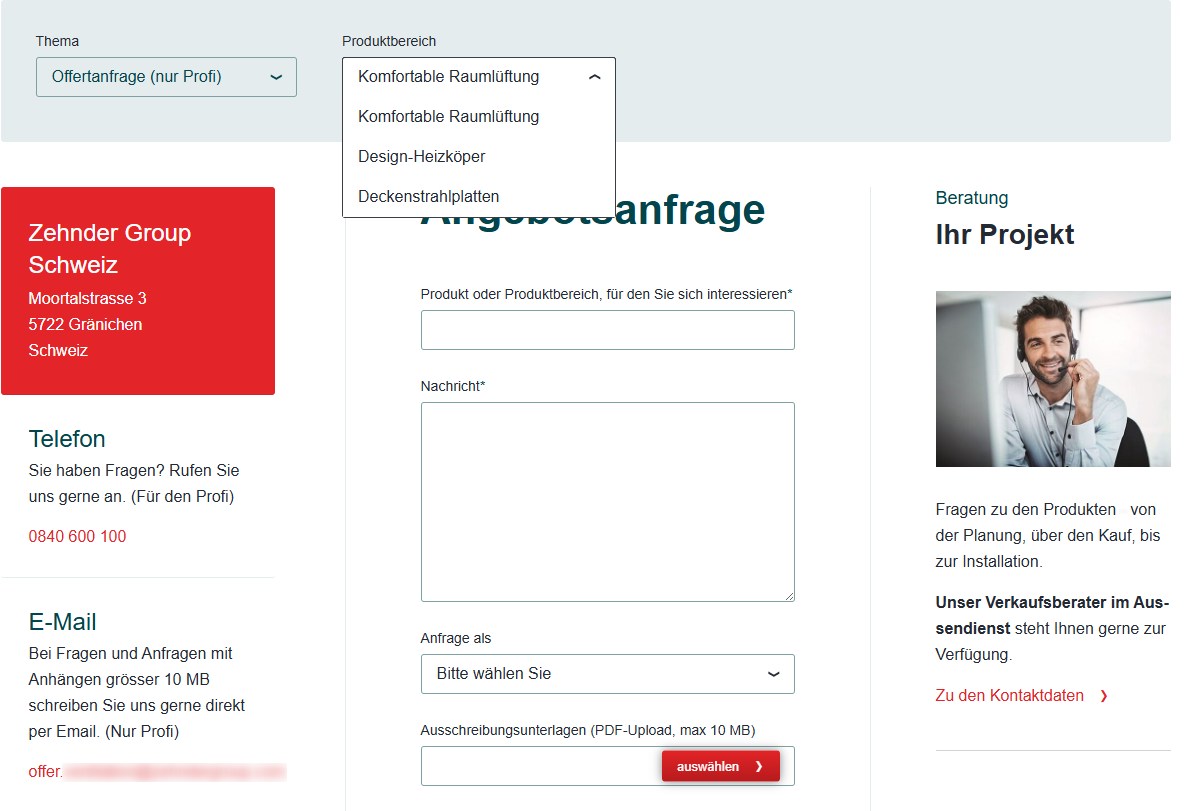
- The contact centre can be structured into two levels, “topics” and “product segment” but as the items can be maintained freely, also other groupings can be configured for each contact centre
- the content area consists of three pre-defined columns.
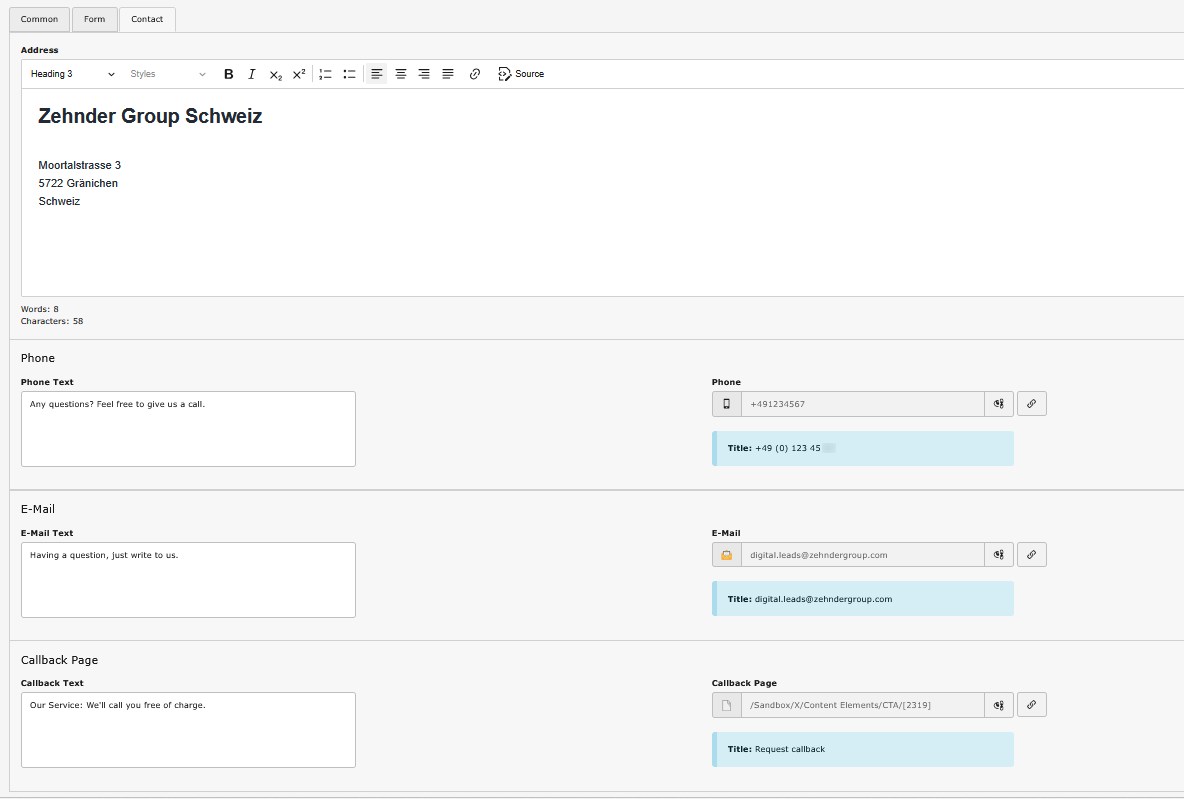
- left side: contact data like company address, email, phone number, callback information
- middle: contact form or link to another page / external website
- right side: additional information, custom content element
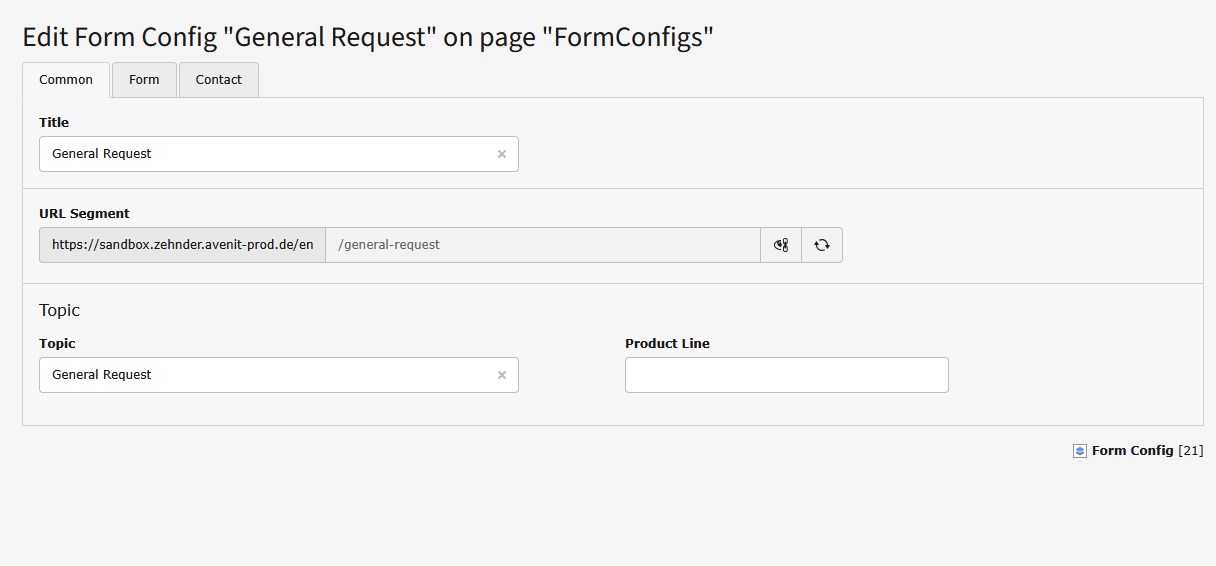
- contents can be configured differently per topic / product segment combination
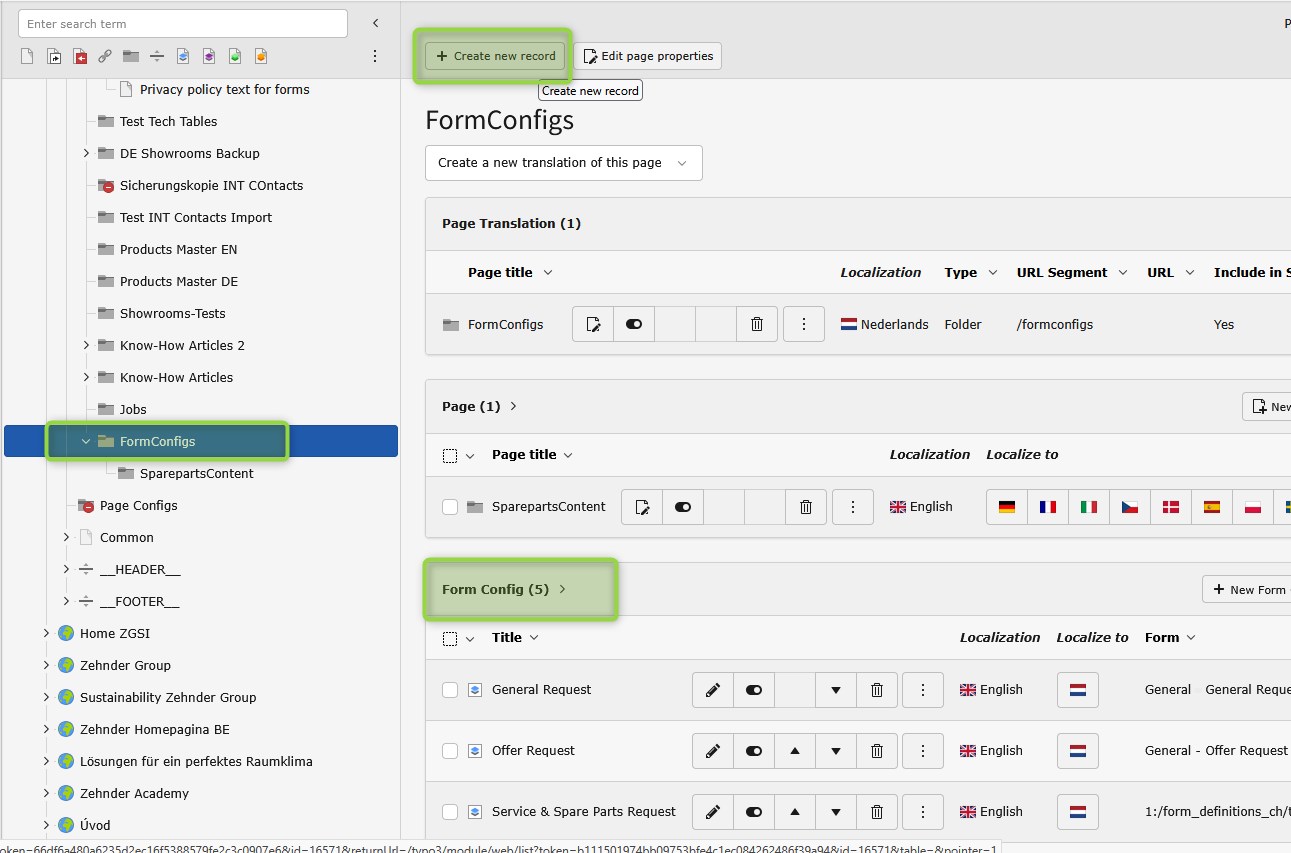
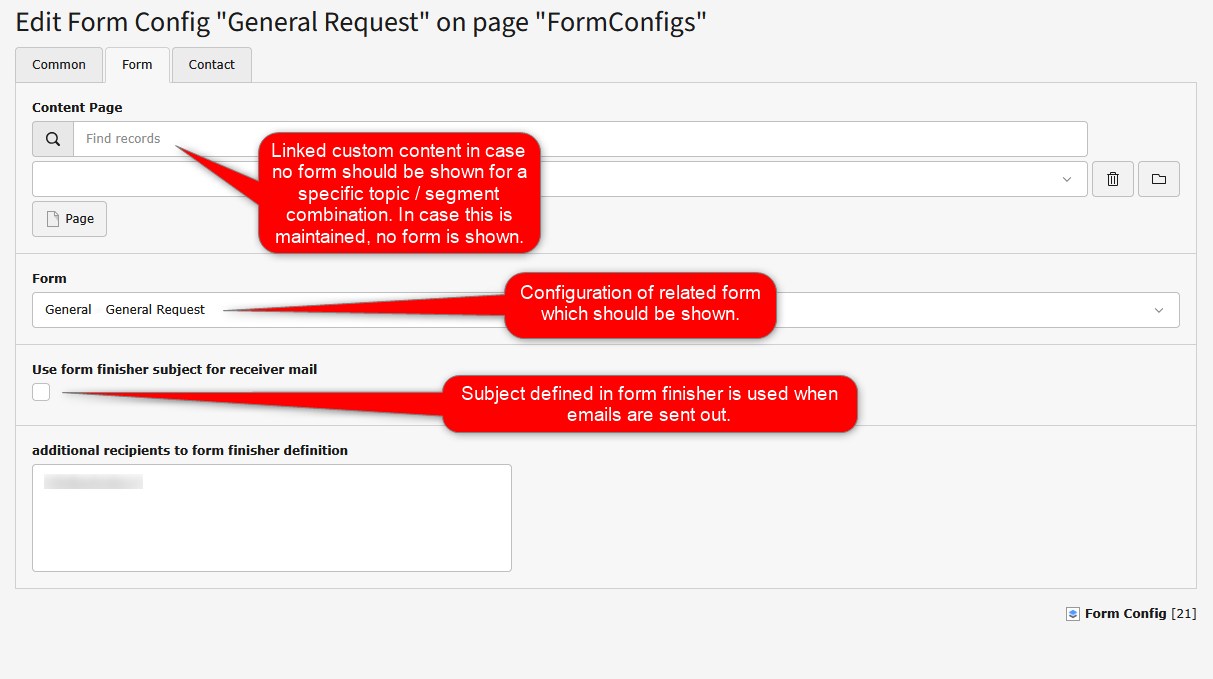
- related forms have to be configured in the “form” area and then maintained in the plugin configs
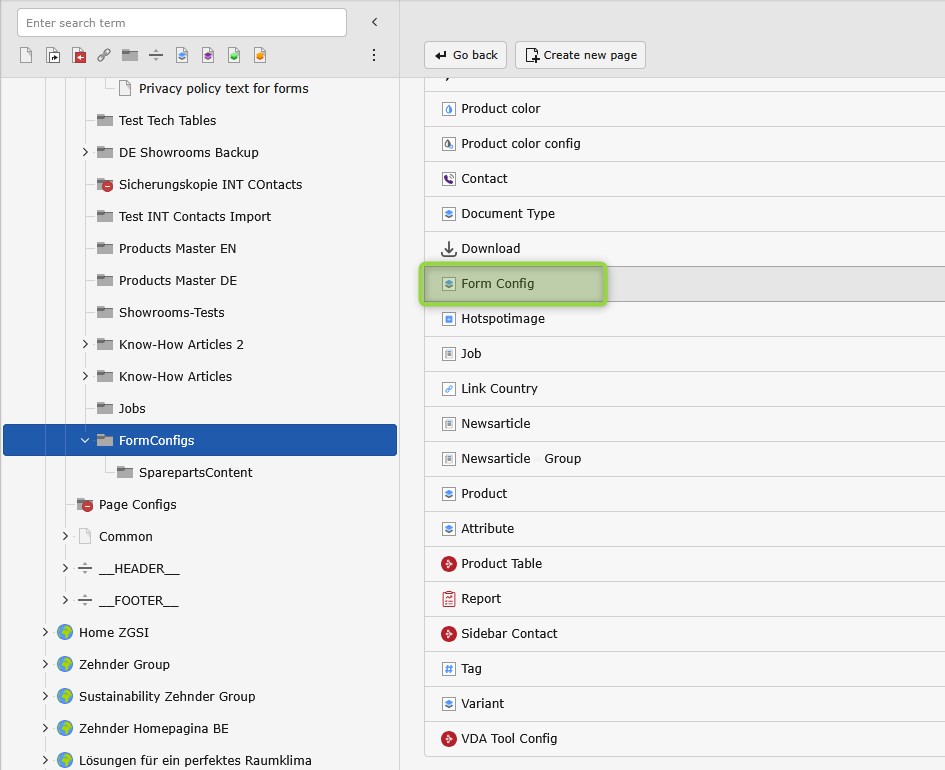
- FormConfigs are maintained in a specific area within the storage folder of each tree
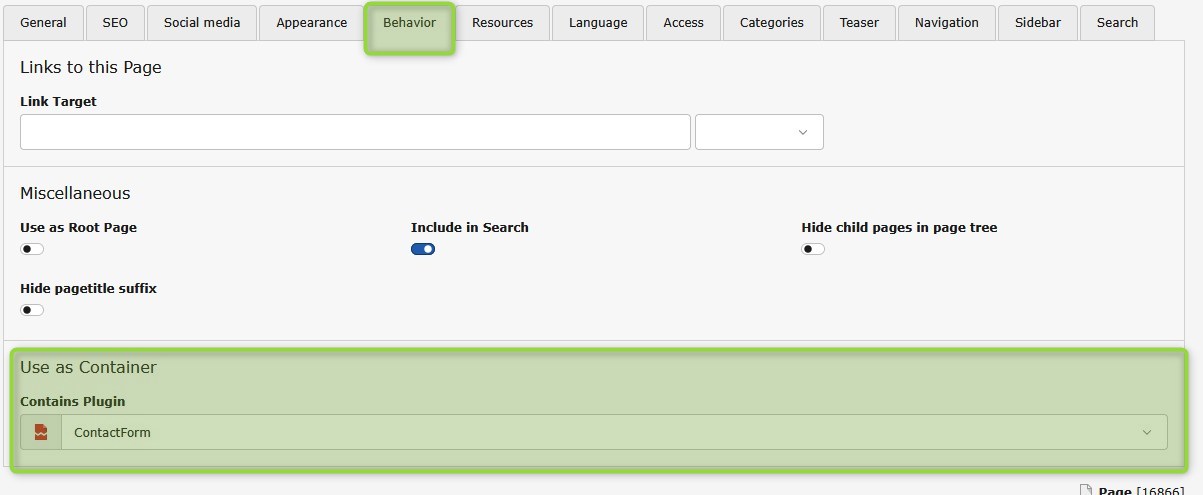
- Don't miss to configure the ““Behaviour” settings of the page where the contact centre plugin is used to be used as container and containing the ”contactForm" plugin. After having configured the page as container, the “red cache” needs to be cleared by Typo3 agency to activate it.
Any questions? Please send us a message.
General Request
Contact FormOffer Request
Contact FormService & Spare Parts Request
Contact Form
Any questions? Feel free to give us a call.
General request
+49 (0) 123 45 67Offer Request
+49 (0) 123 45 68