Zendesk Chatbot
Basic information
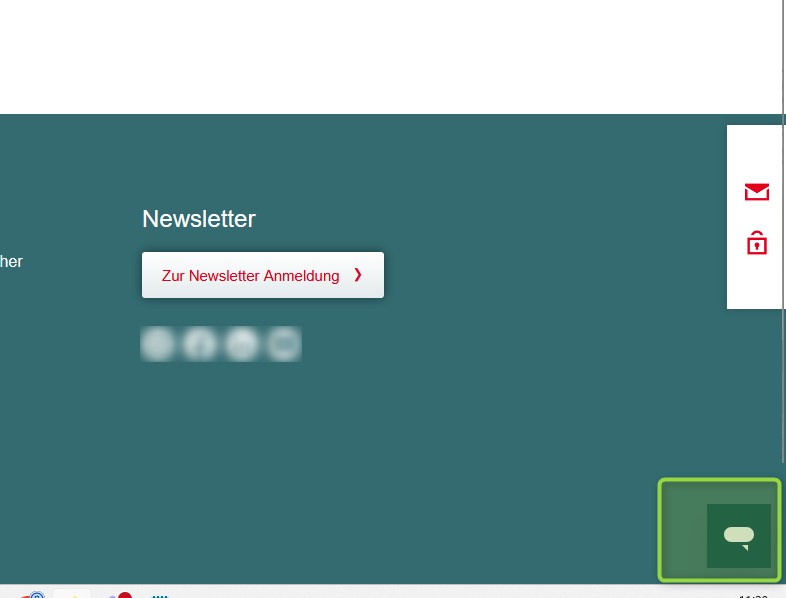
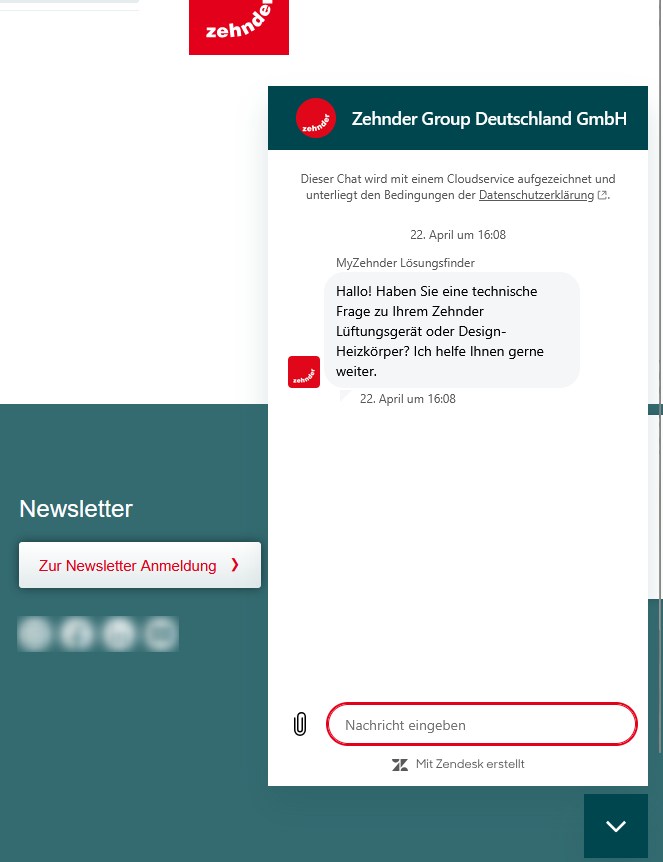
- possibility to integrate a Chatbot based on Zendesk technology
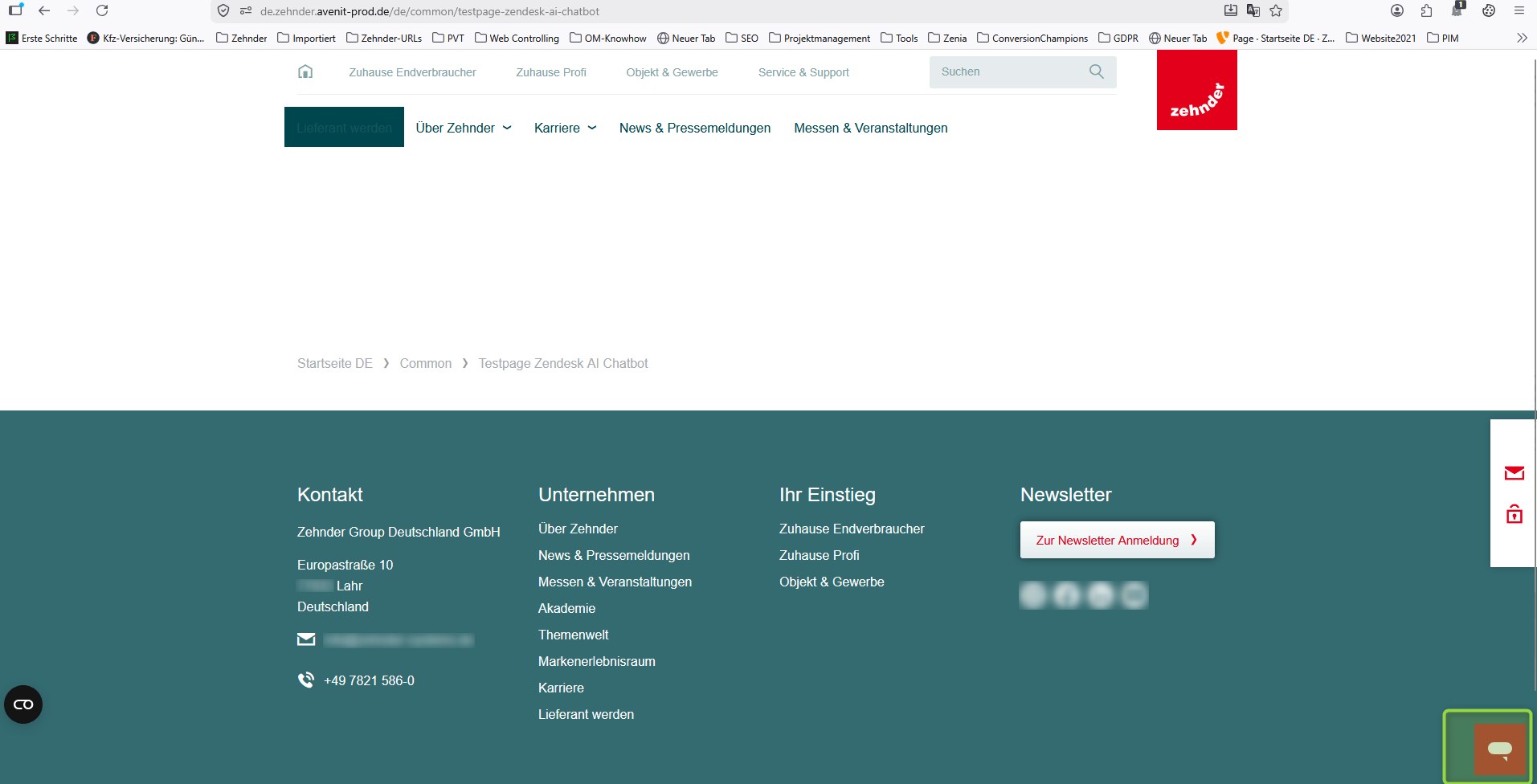
- integration is based on an custom html script integrated as “plain HTML” element
- integration is connected to predefined configuration related GDPR consents and appearance
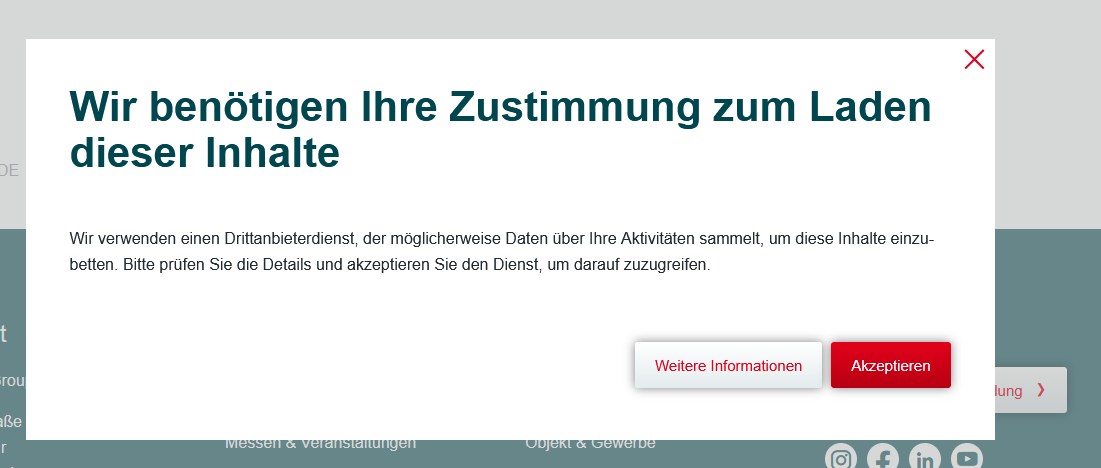
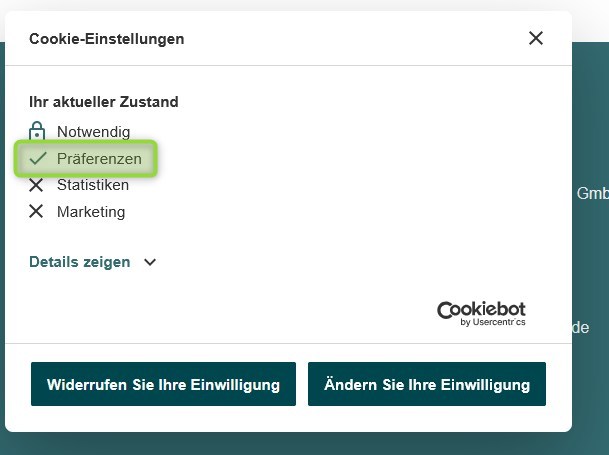
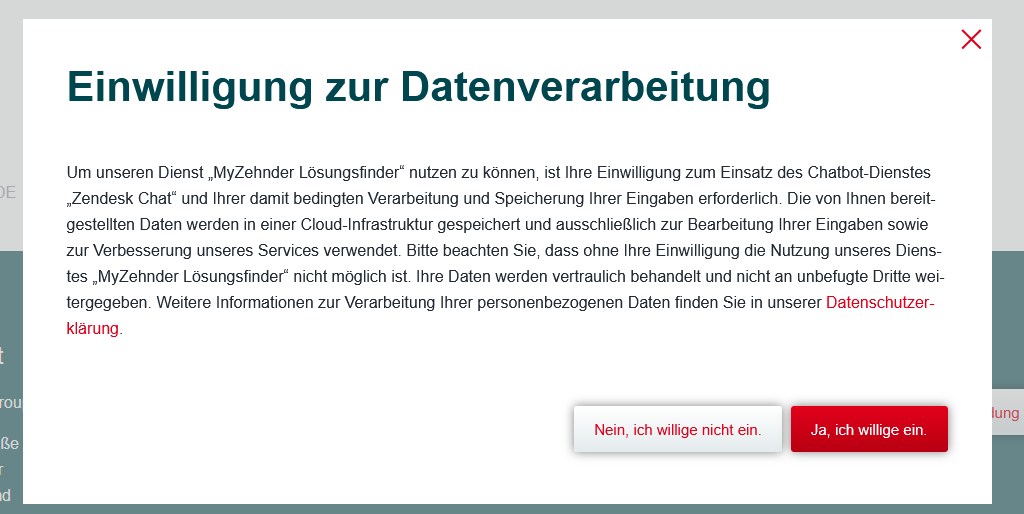
- 2 consents must be given by user
- a) for “preference” cookies
- b) for the chatbot session itself
- typo3 agency coded 2 additional consent dialogs for the user which appear when trying to use the chatbot
- chatbot script is only integrated on specific page URLs defined in exchange with country admins.
Implementation
In case it should be activated for a tree following steps are to be done or considered
1) Zendesk Script ID for related country / tree is required
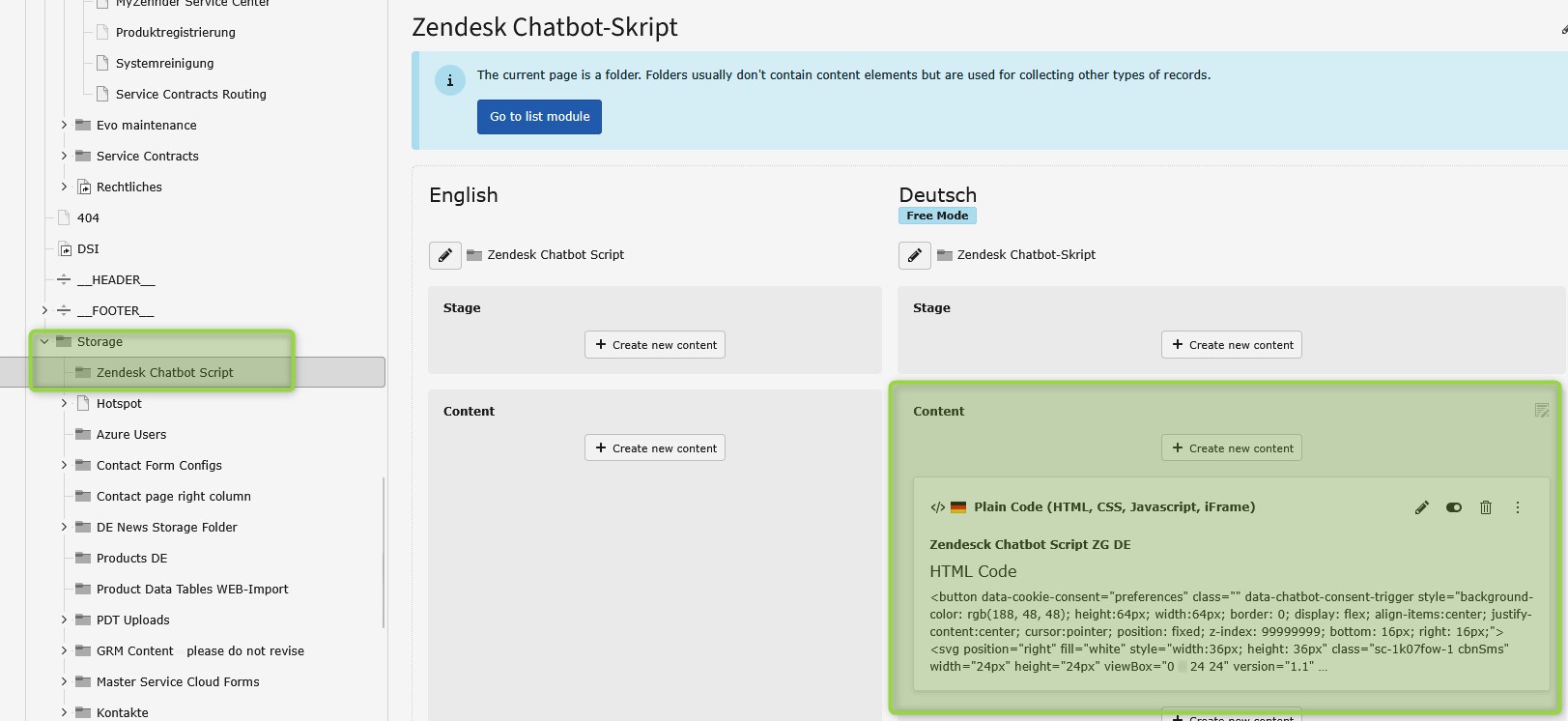
2) Storage folder for Custom Script for typo3 to becreated
3) Plain HTML element added to that storage folder connected to the right zendesk script ID
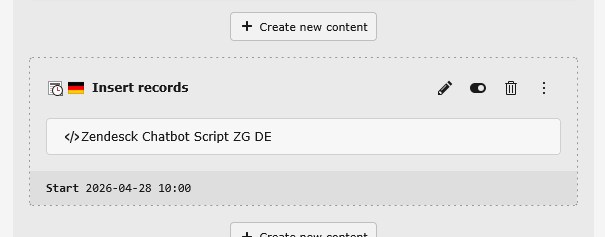
4) “Insert record” element used to integrate the script on certain pages
5) Cache clearence after activation of elements

Any questions? Please send us a message.
General Request
Contact FormOffer Request
Contact FormService & Spare Parts Request
Contact Form
Any questions? Feel free to give us a call.
General request
+49 (0) 123 45 67Offer Request
+49 (0) 123 45 68