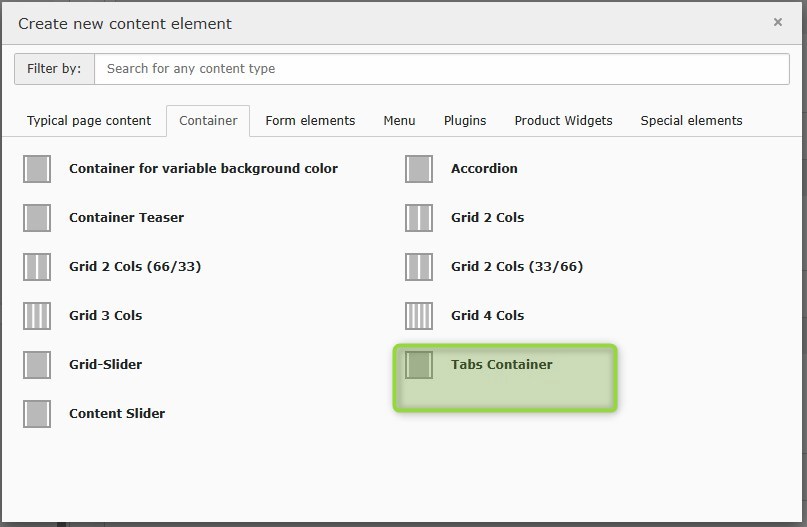
element to integrate different tab elements in desktop view
consists of three elements
Tabs container
Container tab element
Content of tabs
mobile version switches automatically to accordion version
limited selection of content elements depending on tab content element to be integrated
Important note for copy process:
During the copying process, the inner elements are copied in exactly the reverse order. Unfortunately, this is the default behaviour in TYPO3. The reason is as follows: when copying multiple elements, the elements are processed from top to bottom. If an element is inserted at the target position, it is always added at the very top. This reverses the order.
We use a third party service that may collect data about your activity to embed this content. Please
review the details and accept the service to access it.
Consent to Data Processing
In order to use our “MyZehnder Solution Finder” service your consent to the use of the chatbot service “Zendesk Chat” and to the associated processing and storage of your inputs is required. The data you provide will be stored in a cloud infrastructure and used exclusively to process your inputs and to improve our service. Please note that without your consent the use of our “MyZehnder Solution Finder” service is not possible. Your data will be treated confidentially and will not be disclosed to unauthorized third parties. Further information on the processing of your personal data can be found in our privacy policy.